
Zip package
For the portable fast-https_Windows_x86_64.zip: extract and run. There is no installer, and deleting the folder removes the program.
Download fast-https_Windows_x86_64.zip from the release page:
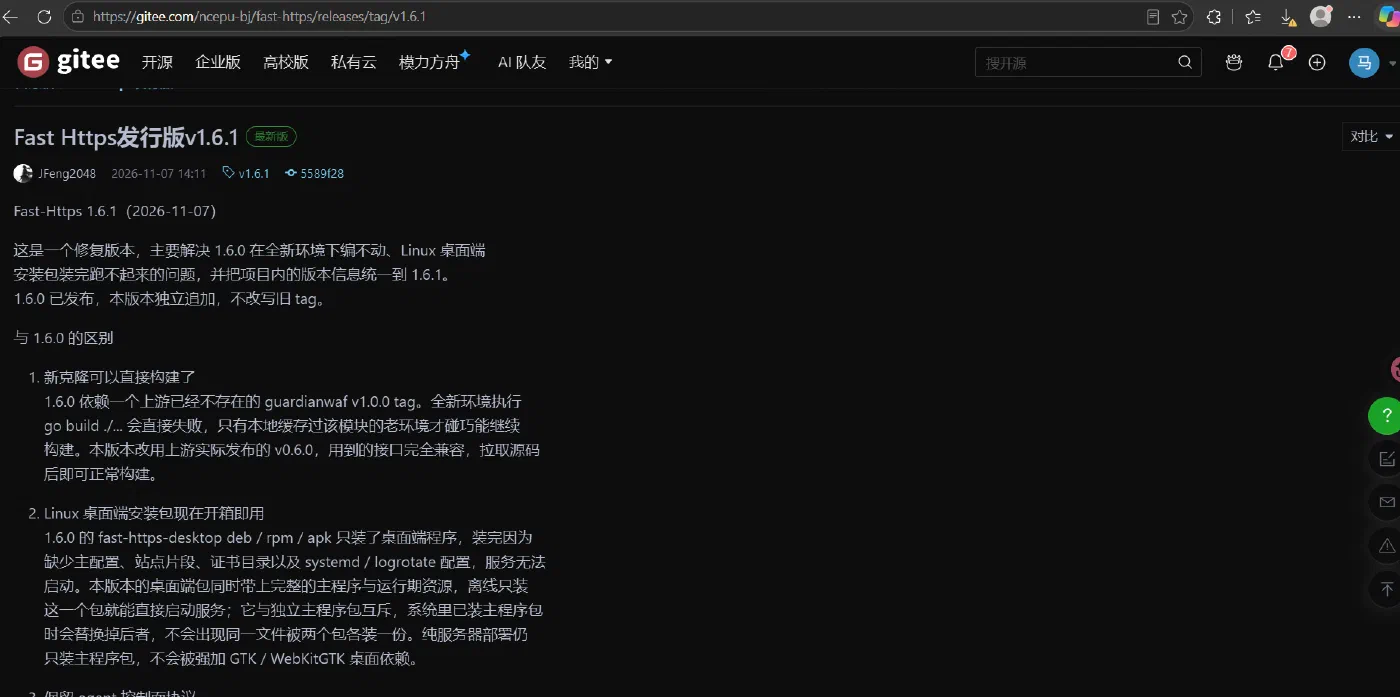
1 Unzip the package
Extract it into any folder; a path without spaces or non-ASCII characters is recommended, e.g. E:\fast-https_Windows_x86_64.
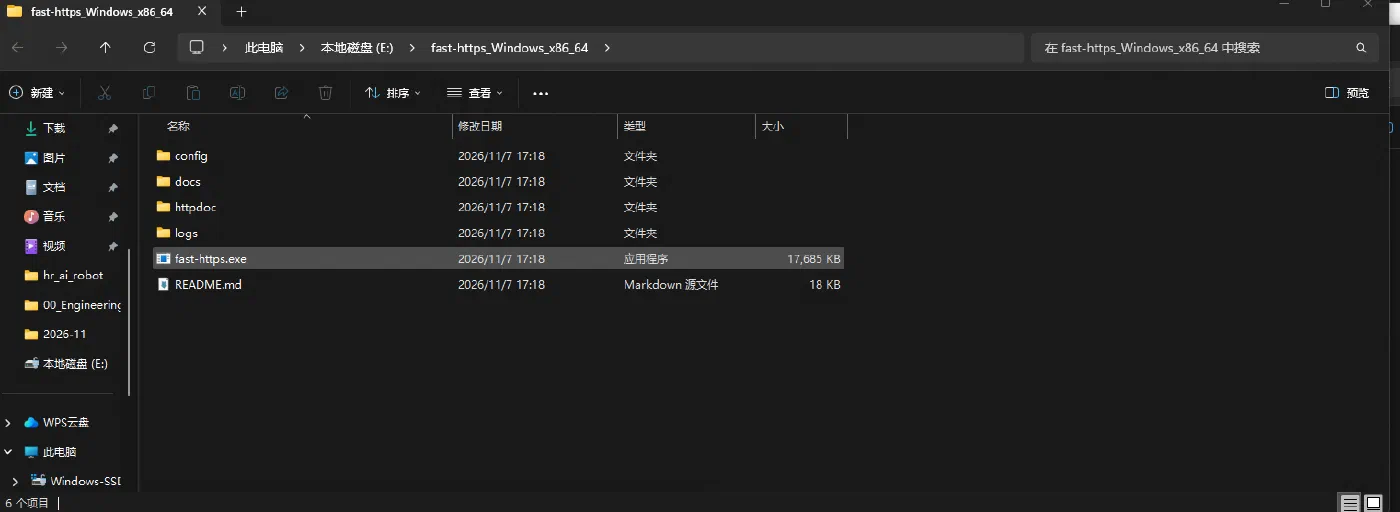
monitor.exe, so older instructions telling you to double-click it are obsolete. The directory contains four folders (config, docs, httpdoc, logs) and two files (fast-https.exe, README.md). Start it as shown in step 3. The zip has no GUI — use the installer if you want the desktop client.2 Edit the default configuration
In v1.6.1 the configuration has two layers: config/fast-https.json holds system-level settings only (log directory, include, WAF, ACME), while sites live in config/conf.d/, one file per site. It works out of the box, so editing is usually unnecessary.
Edit config/fast-https.json with any text editor when you need changes:
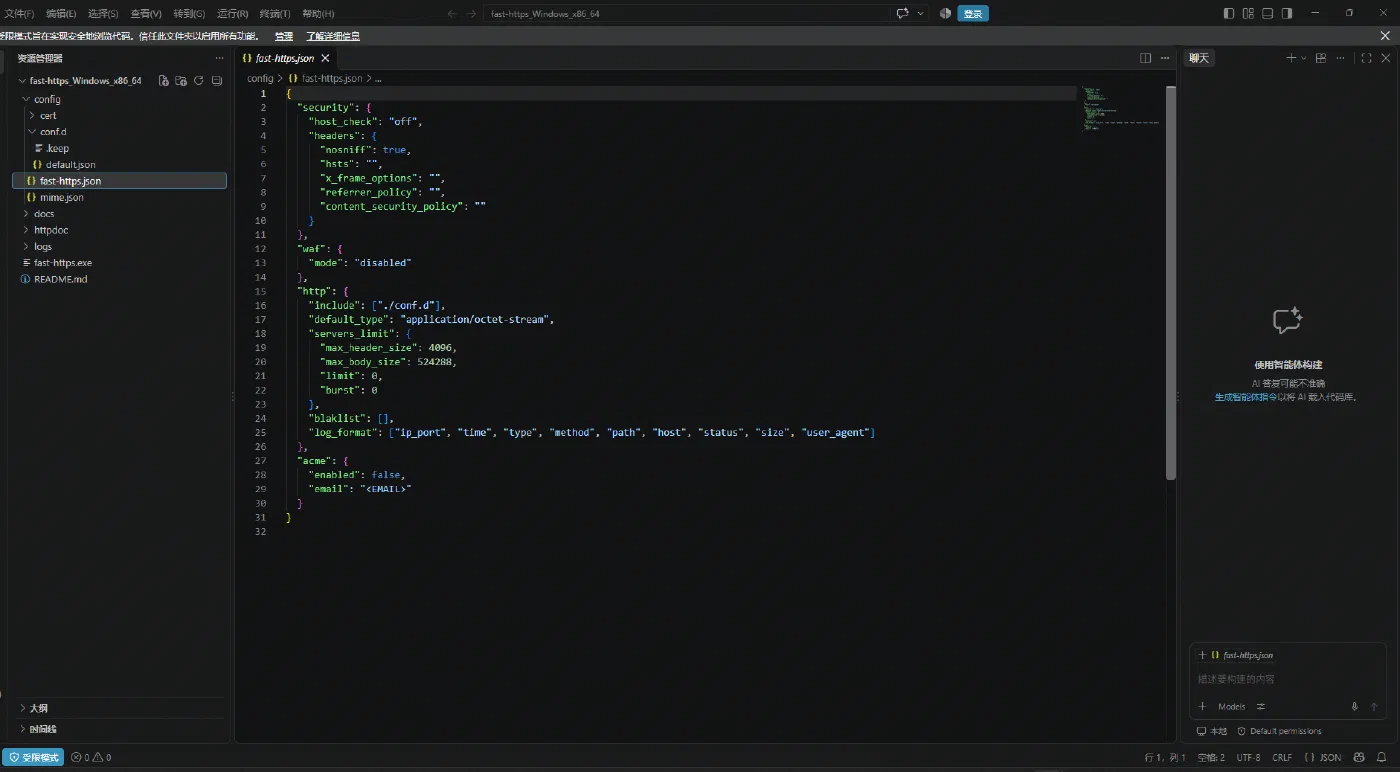
The default site config/conf.d/default.json listens on both 80 and 443 and serves ./httpdoc/root:
{
  "listen": [80, "443 ssl h2"],
  "server_name": "localhost",
  "ssl_certificate": "./cert/localhost.pem",
  "ssl_certificate_key": "./cert/localhost-key.pem",
  "location": [
    {
      "url": "/",
      "type": "local",
      "root": "./httpdoc/root",
      "index": ["index.html", "index.htm"]
    }
  ]
}
start generates a self-signed certificate into config/cert/. If ports 80/443 are already taken, change listen to high ports (e.g. [8080, "8443 ssl h2"]) and include the port in the URL.3 Start the server
Type cmd in the Explorer address bar to open a command prompt in the extracted directory, then run:
.\fast-https.exe start
A successful start prints the ASCII banner and the initialization log, ending with:
======================= Port Listening Start ============================
start runs in the foreground: the prompt does not return while the server is up, and a frozen-looking window is normal — it means the service is running. Do not close it; closing the window stops the service. Use Ctrl+C, or run fast-https.exe stop in another window, to stop.If you already closed the window, or you are not sure whether the server came up, check either:
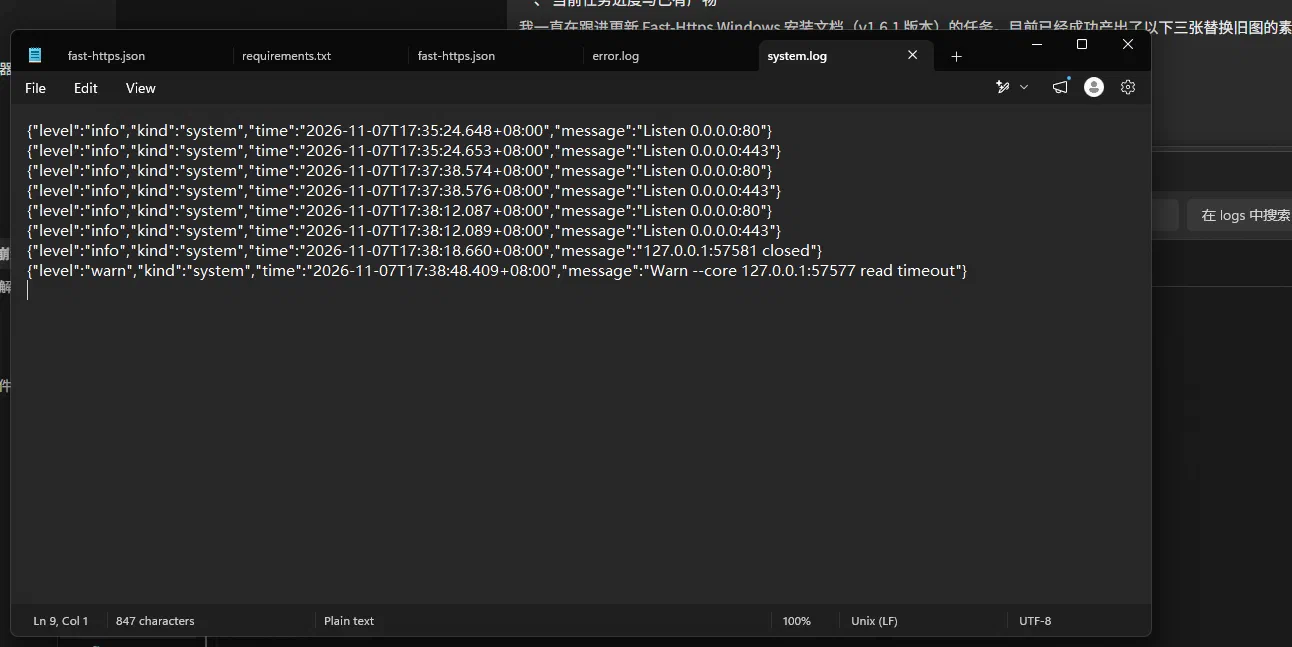
logs/system.log— this line means the listener is up:{"level":"info","kind":"system","message":"Listen 0.0.0.0:80"}.\fast-https.exe status—fast-https is running, pid <n>means it is up
status first, then check logs/error.log — an empty file means no startup error occurred.4 Verify the installation
Open a browser:
http://localhost/— theWelcome to Fast-Https !page means HTTP works.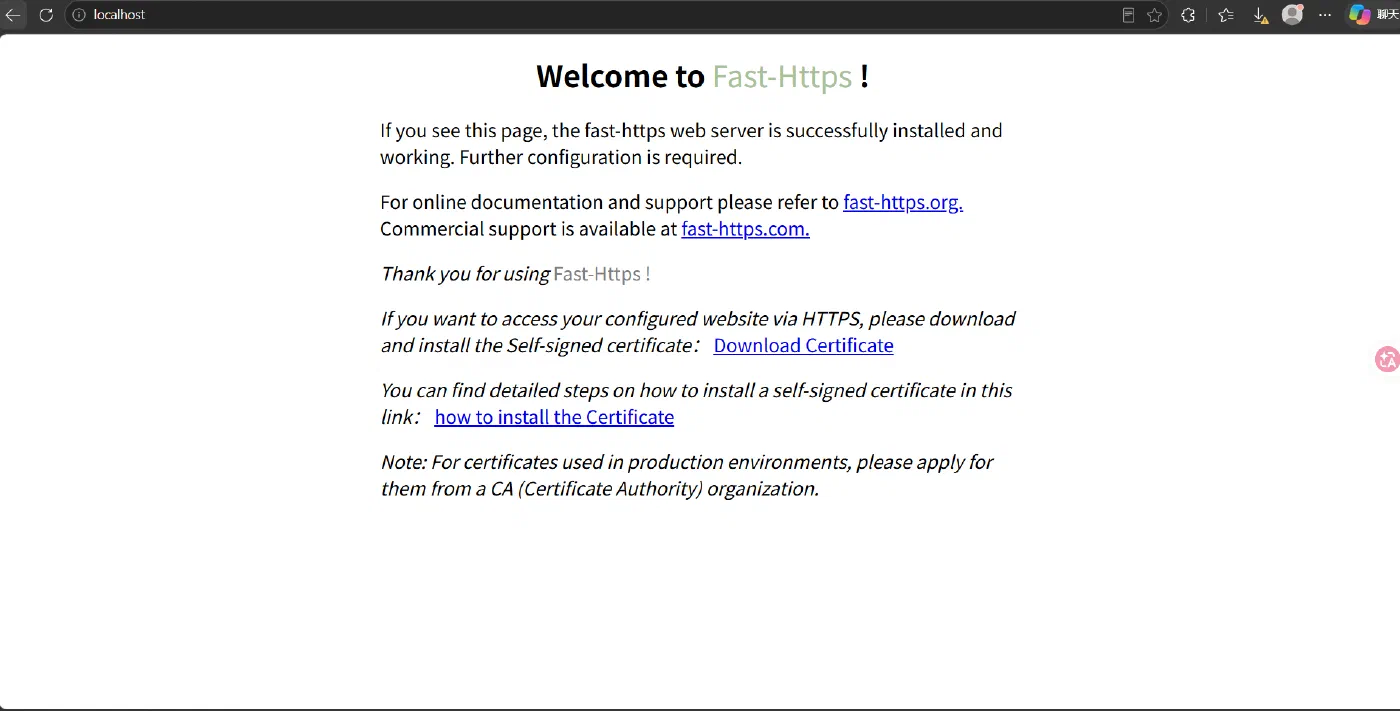
https://localhost/— the browser reports an untrusted certificate, because 443 uses the self-signed certificate generated on first start. Choose Advanced → Proceed to localhost.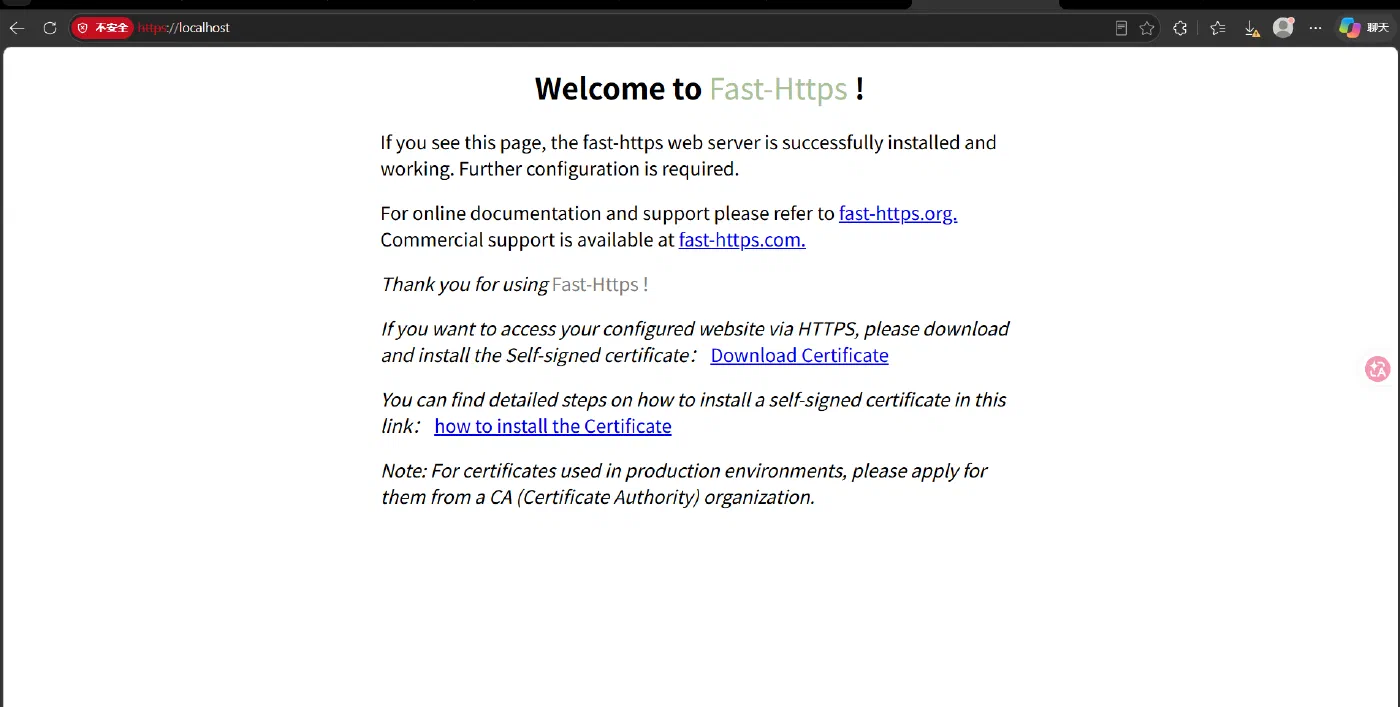
fast-https.exe acme to issue and renew one through Let's Encrypt and similar CAs automatically.That is the whole zip package installation on Windows.